YouTube Embed vs iframe: Complete Technical Guide (2026)
Understand the difference between YouTube embed and custom iframe implementations. Performance, SEO, and security considerations explained.
Understand the difference between YouTube embed and custom iframe implementations. Performance, SEO, and security considerations explained.
The Core Difference
People use "YouTube embed" and "iframe" interchangeably, but they're not the same thing. A YouTube embed IS an iframe — it's just YouTube's specific implementation of the iframe element, with their player, their JavaScript, and their branding baked in.
The real question is: are you using YouTube's default iframe, or are you replacing it with a custom player that uses a different iframe pointing somewhere else?
Option 1: YouTube's Default iframe
This is what you get when you click "Share → Embed" on any YouTube video:
<iframe
  width="560"
  height="315"
  src="https://www.youtube.com/embed/VIDEO_ID"
  frameborder="0"
  allow="accelerometer; autoplay; clipboard-write; encrypted-media; gyroscope; picture-in-picture; web-share"
  allowfullscreen>
</iframe>
When a browser loads this, it triggers a cascade of requests to YouTube's servers:
- The iframe HTML is loaded
- YouTube's player JavaScript (~800KB) is fetched and parsed
- YouTube's CSS and icon fonts load
- The video thumbnail is fetched
- The YouTube API initializes
Performance impact on Core Web Vitals
If the iframe is above the fold, YouTube's player becomes your Largest Contentful Paint (LCP) element. Google's field data threshold for a good LCP is under 2.5 seconds. A page with a YouTube embed above the fold regularly scores 4–6 seconds on mobile — well into the "poor" range.
Even below the fold, the JavaScript loads eagerly unless you add loading="lazy" to the iframe attribute, which many sites forget.
Cumulative Layout Shift (CLS): YouTube iframes with fixed width and height attributes cause layout shift on responsive layouts because they don't adapt to the container width. The fix is to use aspect-ratio: 16/9 in CSS and set width: 100%.
<!-- Causes CLS on mobile -->
<iframe width="560" height="315" src="..."></iframe>

<!-- No CLS — responsive -->
<iframe
  style="width:100%; aspect-ratio:16/9"
  src="..."
  frameborder="0"
  allowfullscreen>
</iframe>
Option 2: Lite Facade Pattern (Fastest Initial Load)
The facade pattern shows a static thumbnail and only loads the YouTube player when the user clicks play. This dramatically improves initial page load metrics:
<div class="yt-facade" style="position:relative;aspect-ratio:16/9;cursor:pointer"
     data-videoid="VIDEO_ID">
  <img
    src="https://i.ytimg.com/vi/VIDEO_ID/hqdefault.jpg"
    alt="Video title"
    style="width:100%;height:100%;object-fit:cover"
    loading="lazy">
  <button
    aria-label="Play video"
    style="position:absolute;top:50%;left:50%;transform:translate(-50%,-50%)">
    ▶
  </button>
</div>
On click, inject the real YouTube iframe via JavaScript. Libraries like lite-youtube-embed (npm) handle this automatically.
LCP impact: Near zero. The thumbnail is a static image — fast to load, no JS required until interaction.
Limitation: The full YouTube player (and all its branding) still loads on click. You've only deferred the performance hit, not eliminated the branding.
Option 3: Custom iframe via Arknox (Best of Both)
Arknox replaces the YouTube iframe entirely with a custom player that's lighter and brand-free:
<iframe
  src="https://youtube-embedder.arknox.in/embed/YOUR_TOKEN"
  width="100%"
  style="aspect-ratio:16/9"
  frameborder="0"
  allowfullscreen>
</iframe>
The Arknox player fetches the video from YouTube's CDN (so you get their free bandwidth) but renders in a custom player shell. The initial JavaScript payload is ~50KB vs YouTube's ~800KB.
Performance Numbers Side by Side
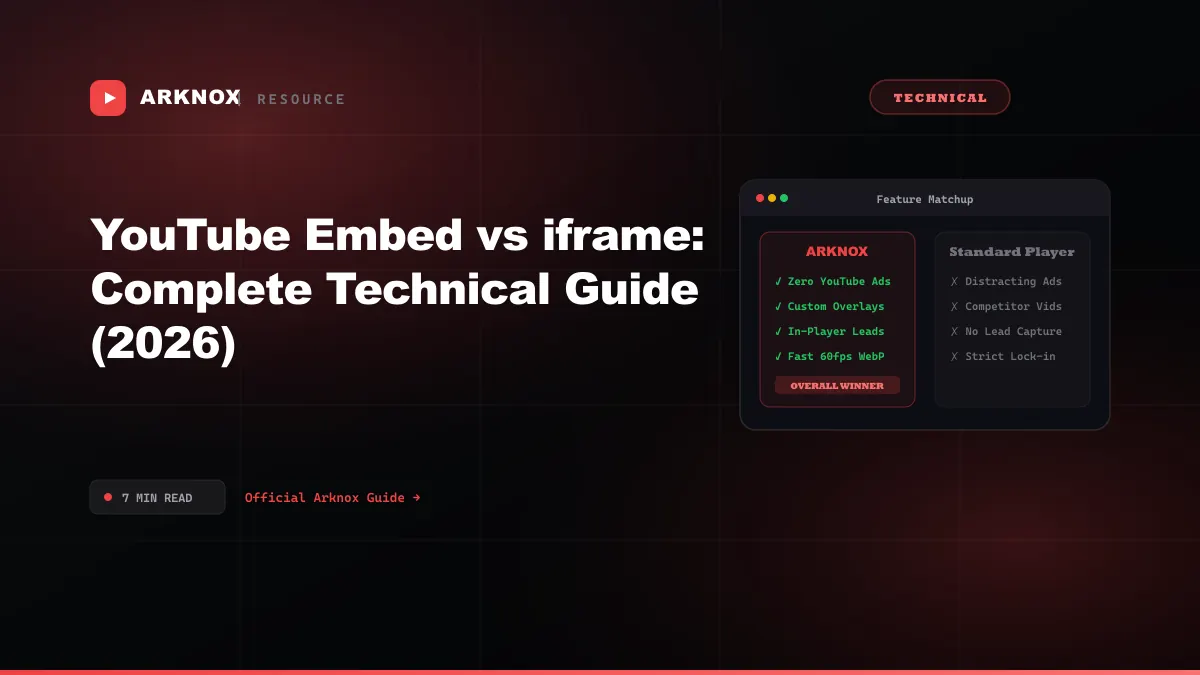
| Metric | YouTube Default | Lite Facade | Arknox |
|---|---|---|---|
| Initial JS load | ~800KB | ~5KB | ~50KB |
| Third-party requests (on load) | 8–12 | 1 (thumbnail) | 3–4 |
| LCP impact (above fold) | High | Low | Low |
| CLS risk | Medium (fixed dimensions) | None | None |
| INP (Interaction to Next Paint) | Medium | Good | Good |
| Core Web Vitals pass rate | ⚠️ Often fails | ✅ | ✅ |
SEO Impact
Indexability
Google's crawler can read thesrc URL of any iframe. With the default YouTube embed, Googlebot sees the video ID and can associate it with the YouTube video's VideoObject. With Arknox, you supply your own VideoObject schema — giving you full control over the title, description, thumbnail, and upload date that Google indexes.
Page speed score
PageSpeed Insights and Lighthouse flag "Reduce unused JavaScript" and "Eliminate render-blocking resources" for YouTube's player script. Switching to the facade pattern or Arknox removes this flag entirely from your report.External link dilution
YouTube's player contains links back to YouTube (the logo, the video title in the bar, "Watch on YouTube"). These are outbound links that Googlebot counts. With Arknox, there are no outbound links in the player.Security: iframe Sandboxing and CSP
For the YouTube default iframe, a minimal Content Security Policy frame-src directive looks like:
Content-Security-Policy: frame-src https://www.youtube.com https://www.youtube-nocookie.com;
For Arknox:
Content-Security-Policy: frame-src https://youtube-embedder.arknox.in;
Narrower CSP = smaller attack surface. If you're running a strict CSP (recommended for any site handling user data), a single allowed frame-src domain is significantly safer than allowing all of youtube.com.
You can also add sandbox attributes to the iframe for additional isolation:
<iframe
  sandbox="allow-scripts allow-same-origin allow-presentation"
  src="https://youtube-embedder.arknox.in/embed/YOUR_TOKEN">
</iframe>
React / Next.js Implementation
For Next.js projects, the Arknox embed is a simple component with no special handling needed:
export function VideoEmbed({ token }: { token: string }) {
  return (
    <div style={{ position: 'relative', paddingBottom: '56.25%', height: 0 }}>
      <iframe
        src={"https://youtube-embedder.arknox.in/embed/" + token}
        style={{ position: 'absolute', top: 0, left: 0, width: '100%', height: '100%' }}
        frameBorder="0"
        allowFullScreen
      />
    </div>
  )
}
Unlike the YouTube default iframe, this is fully server-rendered — no dynamic(() => import(...), { ssr: false }) needed, so Google can index the embed immediately.
Which Approach to Use
| Use Case | Recommended Approach |
|---|---|
| Personal blog, low traffic | YouTube default (add loading="lazy") |
| Marketing landing page | Arknox |
| E-commerce product video | Arknox (add CTA overlay) |
| Online course platform | Arknox (quizzes + completion tracking) |
| Documentation / devtools site | Lite facade |
| Strict CSP environment | Arknox |
Conclusion
"YouTube embed" and "iframe" both describe the same element — the difference is what's on the other end of the src attribute. YouTube's default implementation trades your page performance and branding control for zero setup. The facade pattern recovers the performance but keeps the branding. A custom player like Arknox gives you both: YouTube's free CDN with your brand, your player, and your analytics.
Founder of Arknox. Builds tools for creators, marketers, and educators — white-label players, in-video forms, quizzes, and video engagement analytics.