Make Videos Interactive
Transform passive video watching into active engagement. Add quizzes, forms, polls, and CTAs that appear at exactly the right moment.
What Is Interactive Video, and How Does It Actually Work?
Interactive video means a video that responds to the viewer instead of just playing straight through — a quiz question that pauses playback until answered, a poll that collects input mid-video, a lead form that appears at a specific timestamp, or a clickable CTA that only shows up after a key moment in the content. The defining feature isn't the video file itself; it's a layer of triggered elements tied to exact points in the timeline.
Technically, this works by attaching overlay elements to specific timestamps in a video's playback. As the video reaches that timestamp, the overlay renders on top of the player — pausing the video if the interaction requires an answer (a gated quiz), or appearing alongside continued playback (a non-blocking poll or CTA). None of this modifies the underlying video file; it's a rendering layer that sits on top of whatever video is playing, which is why it can work with YouTube-hosted video without re-encoding or re-uploading anything.
The reason this outperforms a passive video for specific goals — comprehension checks, lead generation, audience research — comes down to timing. A form on a page before a video starts gets filled out by people who haven't seen anything yet; a form after the video ends only reaches viewers who stuck around to the finish. A timestamped in-video form appears at the exact moment you've identified as highest-engagement, based on where your own retention data shows people are still watching.
Where interactive video is the wrong tool: quick, low-stakes content where friction of any kind (even a single poll) would hurt completion, or contexts where viewers expect uninterrupted playback (entertainment, background video). Interactive elements work best when the video itself is doing a job — teaching something, qualifying a lead, gathering a decision — where a moment of interaction reinforces that job rather than interrupting it.
Interactive Overlay Types
In-Video Quizzes
Add multiple choice, true/false, and open-text questions at any timestamp.
Lead Capture Forms
Show email capture forms at the moment viewer engagement peaks in the video.
Custom CTAs
Add clickable buttons and links that drive viewers to any URL.
Polls & Surveys
Gather audience opinions and preferences with in-video polls.
Content Gates
Require form submission or quiz completion to continue watching.
Timestamp Triggers
Every overlay can be triggered at a precise second in the video.
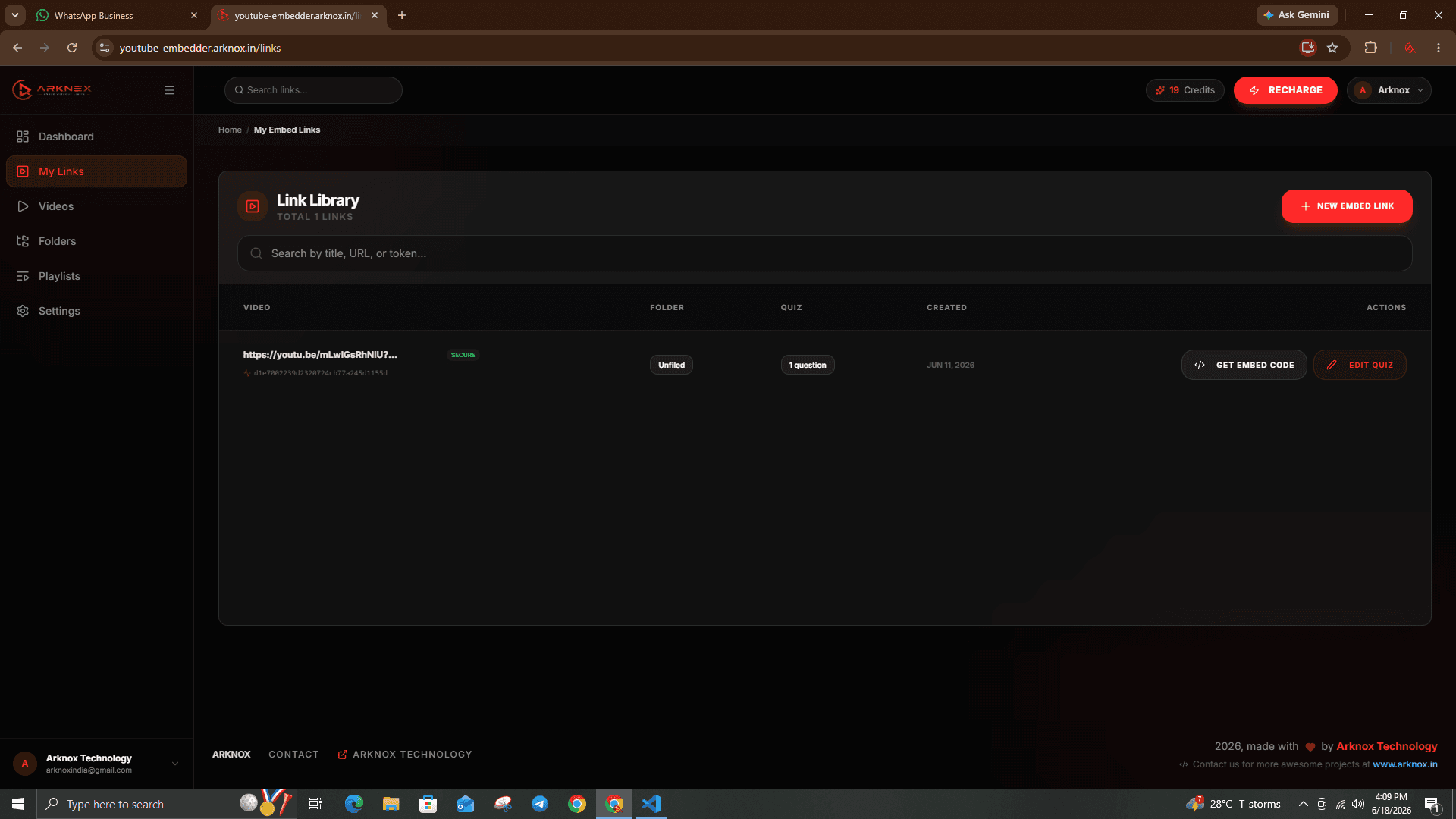
Your Embed Library
Every link tracked, every quiz logged, every lead captured — in one place.
Frequently Asked Questions
Quiz (multiple choice, true/false, open text), lead capture form (email, name), CTA button (link to any URL), poll (multiple options), and custom HTML overlays.
Yes. Add as many overlays as needed at different timestamps. Each overlay can have different triggers and behaviors.
Yes. All overlays are fully responsive and designed to work on mobile, tablet, and desktop screens.
Yes. You can require viewers to submit a form or complete a quiz before the video continues playing.
Explore More
Explore more tools, deep-dive comparisons, and guides to supercharge your videos.
Ready to Transform Your YouTube Videos?
Start embedding interactive, branded YouTube videos today. No credit card required.
Start Free NowFree forever plan available · No credit card needed