
Included from Business
A community that knows who bought
Spaces, announcements and polls for your students, tied to what each person bought and finished.
- Spaces
- For courses, cohorts or everyone
- Polls
- Hear back from students fast
- Member-only
- Access follows what they bought
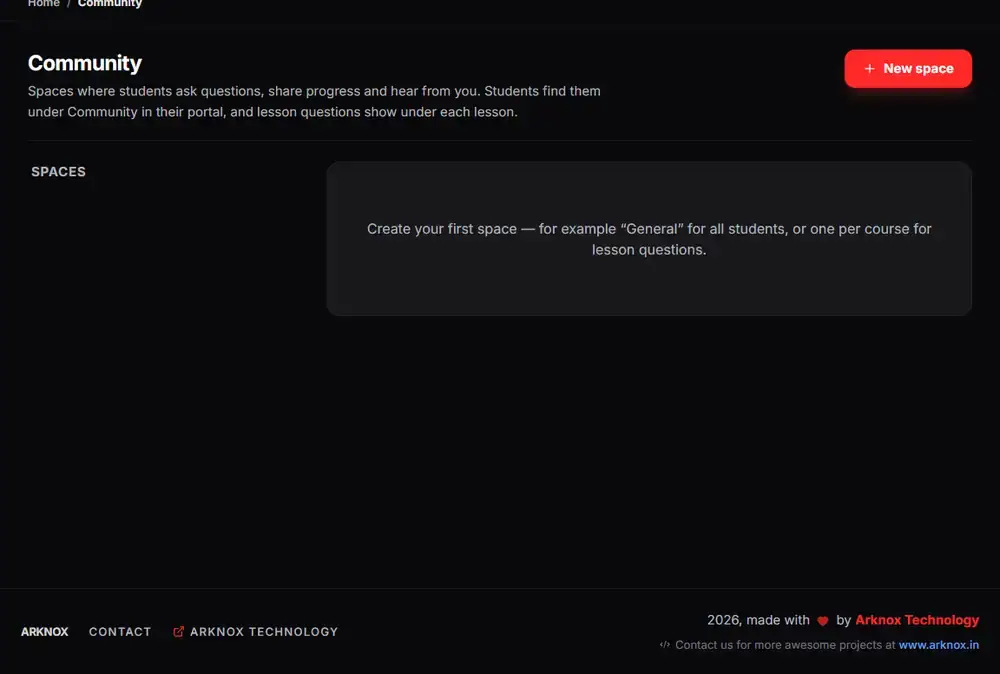
The real Arknox dashboard with sample data
Up and running in three steps
- 1
Create a space
Make a space for a course, a cohort or everyone.
- 2
Control who joins
Make it member-only so access follows what people bought.
- 3
Talk to students
Post announcements, run polls and answer lesson questions.
Why keep the community next to the course
When the community is a separate app, you have to keep two lists in sync: who paid, and who is allowed in. Access drifts, refunds leave people inside, and you cannot see how active a student is across both.
In Arknox the community is part of the same account as the course. Access follows what a person bought, questions on a lesson stay with that lesson, and you can see who is active and who has gone quiet.
You post announcements, run polls and answer questions in one place.
See it inside the dashboard
What you get
Discussion spaces
Topic or course spaces for your students.
Member-only access
Access follows purchases and enrolments.
Announcements and polls
Reach everyone and hear back quickly.
Lesson questions
Questions stay attached to the lesson they came from.
Student support inbox
Answer help requests with assignees and reply deadlines (Academy / Scale).
Activity in the CRM
See who is active and who has stopped.
Made for
- Course creators who want students to help each other
- Cohort teachers who need announcements and Q&A
- Anyone who wants fewer tools for the same job
Good to know
Community and memberships start on the Business plan. The student support inbox starts on Academy / Scale.
Questions people ask
Do students need another app?
No. The community lives in the same student area as the course.
Can I limit the community to paying students?
Yes. Member-only spaces follow what each person bought.
Can students ask questions on a lesson?
Yes. Questions stay with the lesson they were asked on.
Which plan includes the community?
Business and above.
Try it on your own videos
Create an account, paste a YouTube link and see it working in a few minutes.